


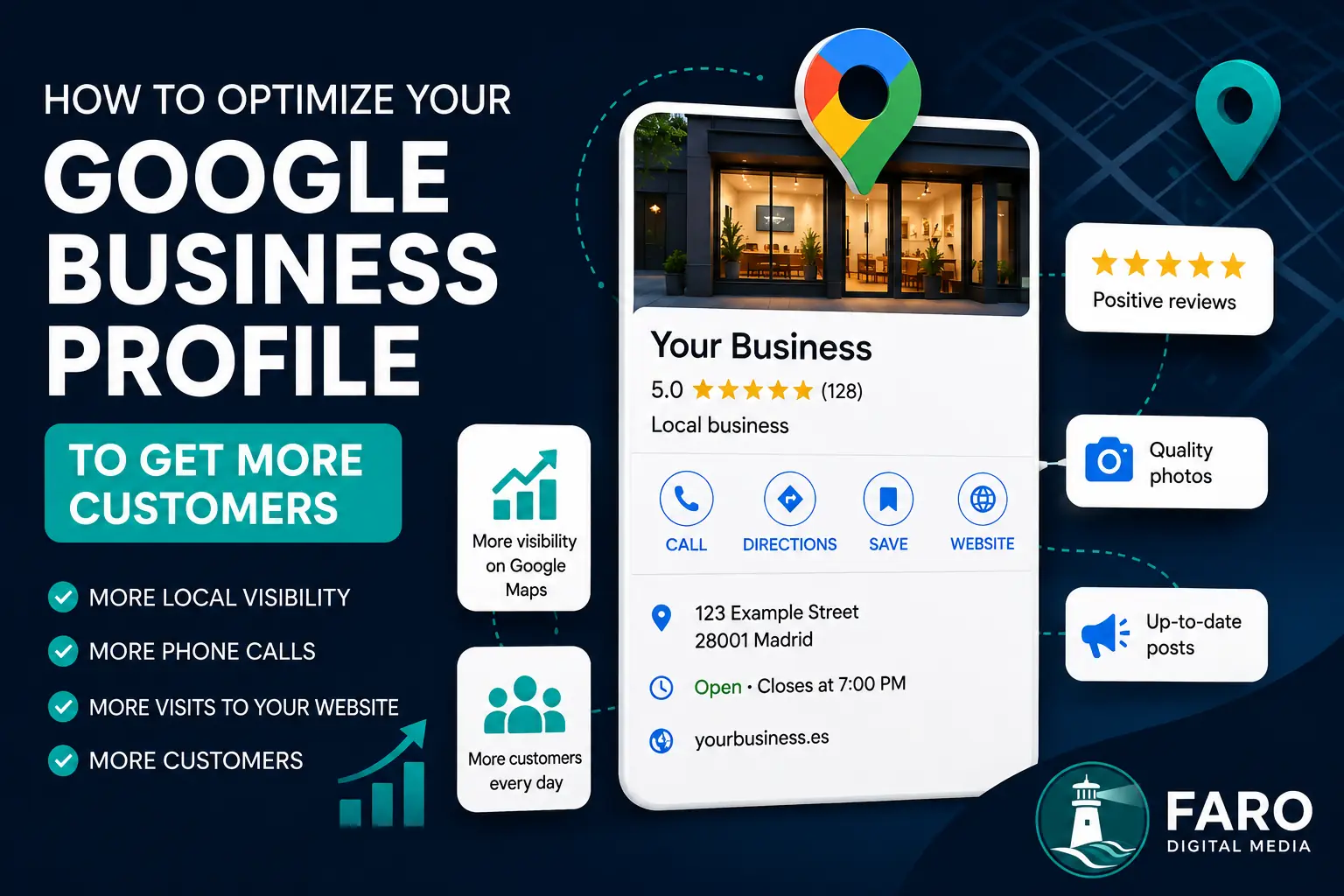
When someone searches for a local business, they often do not visit its website first. They initially see its Google Business Profile in Google Search or Google Maps, where they can check opening hours, location, telephone number, reviews, photographs, services and the website link.
A complete and accurate profile can build confidence and make it easier for a potential customer to call, visit, request directions or open the website. However, creating a profile and then forgetting about it is rarely enough. Its information should remain accurate, useful and consistent with the rest of the company's digital presence.
This guide explains how to optimise a Google Business Profile, which elements should be reviewed and which common mistakes can damage visibility or credibility.
What is a Google Business Profile?
A Google Business Profile is the free listing that allows an eligible business to appear and manage information about itself in Google Search and Google Maps. Depending on the type of business, it can display a physical address, a service area or both.
The profile can include and manage information such as:
- Business name
- Primary and additional categories
- Address or service areas
- Normal and special opening hours
- Telephone number and website
- Business description
- Products and services
- Photographs and videos
- Posts, offers and updates
- Reviews and responses
Google explains that local results are mainly based on three factors: relevance, distance and prominence. There is no way to pay for a better organic position in Google Maps, but businesses can make it easier for Google to understand what they do and improve the information available to potential customers.
Read Google's official recommendations for improving local ranking.
1. Use your real business name
The profile name should match the name the business uses in the real world, including on its signage, documents, invoices, website and marketing materials.
Do not add keywords, city names, services or promotional wording unless they genuinely form part of the business name. A name such as “Company X - Best Cheap Web Designer Madrid” may appear to offer a quick visibility advantage, but it can breach Google's guidelines and lead to edits, restrictions or suspension.
Optimisation should come from categories, services, the description, the website and useful content—not from artificially changing the trading name.
2. Choose the correct primary category
The primary category is one of the profile's most important details because it helps Google understand the company's principal activity. It should describe what the business is, rather than merely something it offers occasionally.
For example, an agency whose main service is web design and development should select the available category that most accurately represents that activity. Additional categories should only cover relevant services the company genuinely provides.
Avoid adding unrelated categories simply to appear in more searches. Too many weakly related categories can dilute the profile's focus and set the wrong expectations for customers.
3. Complete all essential information
An incomplete profile forces people to search elsewhere and may cause them to choose a competitor. Pay particular attention to:
- Telephone: use a number that the business actively answers.
- Website: link to the most useful and accurate version of the site.
- Opening hours: publish the real hours and keep them current.
- Special hours: update public holidays, holidays and exceptional dates.
- Address: it must be precise and comply with Google's rules.
- Service area: use this when the business travels to or serves customers away from a public location.
If customers are not received at an address, a company should not display a home, virtual office or unattended address merely to rank in a particular area. Google distinguishes between storefront businesses, service-area businesses and hybrid businesses.
4. Write a clear and useful description
The description should help someone quickly understand:
- What the company does
- Who it helps
- Where it operates
- What makes it different
- What experience or specialisation it has
Avoid filling the description with repetitive keywords. A natural and specific explanation is more useful. Temporary promotions, links and information likely to become outdated should also be avoided.
A good description does not replace a complete website, but it can encourage the user to investigate further and visit the site.
5. Add your products and services
Many profiles contain only a broad category and never explain what the company actually sells. The services section can include service names, descriptions and, where useful, indicative pricing.
A digital agency, for example, might include:
- Web design
- Custom web development
- WordPress development
- Online stores
- SEO optimisation
- Website maintenance
This information helps users confirm that the company offers what they need. It should remain consistent with the services described on the website and should not advertise activities the business does not genuinely provide.
6. Publish authentic, high-quality photographs
Photographs help demonstrate that a business exists and allow users to see its premises, people, products or working process. Use recent, genuine images whenever possible.
Depending on the business, useful photographs may include:
- Exterior and entrance
- Interior and facilities
- Team members
- Products
- Completed projects
- Working process
- Events or company updates
- Logo and cover image
Avoid blurred photographs, generic stock images that do not represent the company, graphics overloaded with text and images that no longer reflect reality. A smaller selection of strong photographs often creates more confidence than a large, poorly maintained gallery.
7. Earn genuine reviews and respond to them
Reviews affect how potential customers perceive a business and may form part of the prominence signals used in local results. The highest possible rating is not the only consideration: authenticity, frequency, content and the company's responses also matter.
You can ask for a review after successfully completing a service or sale. Provide the direct review link and request an honest opinion without telling the customer which rating to leave.
Do not buy reviews, use fake accounts or offer discounts, gifts or compensation in exchange for a positive rating. Incentivised or manipulated reviews can breach Google's policies and seriously damage trust.
Respond to both positive and negative reviews:
- Thank the customer for their time.
- Personalise the reply where possible.
- Do not reveal private information.
- Maintain a professional tone.
- For complaints, acknowledge the concern and offer to continue privately.
8. Keep opening hours current
Few experiences are more frustrating than travelling to a business and finding it closed when Google said it was open. Review normal opening hours and add special hours for public holidays, company holidays, events and temporary changes.
Accurate information improves the customer experience and reduces unnecessary calls. It also shows that the profile is being actively managed.
9. Use posts when they add value
Business Profile posts can share news, offers, events, products or useful content. They should not be treated as a guaranteed way to improve rankings, but they can keep the profile informative and help users discover recent information.
Possible post subjects include:
- A new service
- A temporary offer
- An event
- A recent project
- A newly published guide
- An important change to opening hours
Each post should be concise, clear and accompanied by an appropriate image and useful call to action.
10. Review questions, messages and suggested changes
Users may encounter questions and answers associated with a business. Review this information to ensure it remains accurate and useful. It is also sensible to watch for third-party suggested edits, because Google can update certain details using information from other sources.
Do not depend on the profile as the company's only contact channel. Telephone numbers, website forms and other methods should work correctly and receive a timely response.
11. Connect the profile to a well-optimised website
The Business Profile and website should reinforce each other. The site should clearly confirm the company name, services, location or operating area, contact details and value proposition.
The linked page should also:
- Load quickly and work properly on mobile devices.
- Use HTTPS.
- Contain titles and content relevant to genuine services.
- Display consistent contact information.
- Explain clearly how to enquire or buy.
- Use appropriate structured data where relevant.
For more detail, read our guide to local SEO for businesses in Madrid and our page about SEO services in Madrid.
Speed also affects the experience of visitors arriving through the profile. You can test it with our guide to Google PageSpeed Insights and website performance.
12. Keep information consistent across the web
The business name, address and telephone number should appear consistently across the website, professional directories, social networks and other relevant platforms. This is commonly called NAP consistency, from Name, Address and Phone.
Every business description does not need to be identical, but the fundamental details should not contradict one another. Correct outdated listings, disconnected telephone numbers and old addresses.
13. Analyse profile performance
Google provides information about how users find and interact with the profile. Depending on the business category and available features, this may include:
- Searches used to find the business
- Profile views
- Telephone calls
- Website clicks
- Direction requests
- Bookings, messages or other interactions
Do not judge performance from a single week. Compare periods, identify trends and relate changes to the work completed. Greater visibility does not always produce customers when the profile, website or contact process fails to persuade the user.
Common Google Business Profile optimisation mistakes
Adding keywords to the business name
This may produce an apparent short-term benefit, but it breaches the guidelines when those words are not part of the company's real name.
Selecting irrelevant categories
Categories should represent genuine activities. Adding categories only because they have search volume can attract the wrong users and cause compliance problems.
Displaying an address where customers are not received
An address should only be shown when it is a legitimate location that meets the applicable requirements and receives customers during the stated hours.
Buying reviews
Fake reviews may be removed and can create serious distrust. A sustainable approach asks genuine customers for honest feedback.
Ignoring negative reviews
A calm and reasonable reply can demonstrate professionalism even when the situation cannot be resolved completely.
Leaving hours and telephone numbers outdated
Incorrect information creates a poor experience and can lose commercial opportunities.
Creating multiple profiles for the same business
Duplicates can split reviews, confuse users and create management or visibility problems.
Expecting the profile to replace a website
The profile supports discovery, but a professional website can explain services, answer questions, display legal information and convert interest into an enquiry or purchase.
Google Business Profile optimisation checklist
- The name matches the real-world brand.
- The primary category represents the main activity.
- Additional categories are relevant.
- The address or service area is correct.
- Normal and special opening hours are current.
- The telephone number and website work.
- The description explains the company clearly.
- Products or services are complete.
- Photographs are genuine, recent and high quality.
- Honest reviews are requested without incentives.
- Reviews receive professional responses.
- Posts are used when there is useful information.
- Details match the website and relevant directories.
- Performance is reviewed periodically.
How long does improved visibility take?
There is no guaranteed timescale. Position depends on competition, the user's location, business relevance, prominence and the quality of the wider digital presence. Google may also take time to review or display certain edits.
Profile optimisation is an ongoing process. Keeping information correct, earning genuine feedback, improving the website and building local authority is generally more effective than making numerous artificial changes in a short period.
Improve local visibility with a complete strategy
A well-managed Google Business Profile can help a company get discovered, but the strongest results usually come when it is part of a broader strategy: a fast website, useful content, local SEO, genuine reviews, consistent information and an easy contact process.
Faro Digital Media helps companies strengthen their digital presence through web design, development, technical optimisation and SEO. We can review how your profile connects to your website and identify obstacles preventing users from finding or contacting your business.