


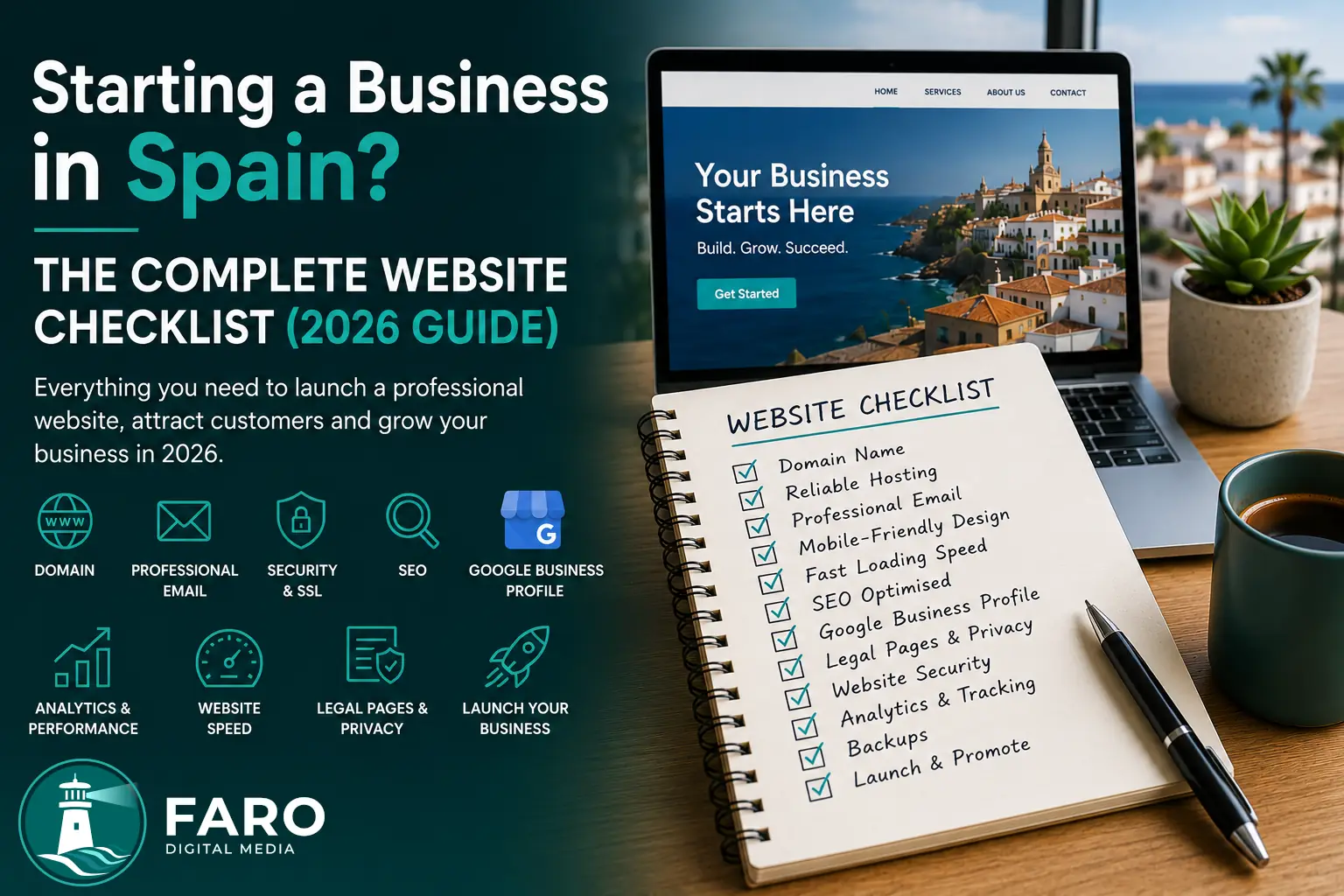
Starting a business in Spain involves dozens of decisions: your trading name, legal structure, suppliers, pricing, accounting and customer acquisition. The website is often left until the end. Yet for many potential customers, it will be the first place they check whether the business appears professional, credible and ready to serve them.
This guide brings together the essential website elements that a freelancer, SME or new company should review before launching in 2026. You do not need every possible feature on day one, but you should build a foundation that can grow without forcing you to start again a few months later.
Note: this guide covers the digital side of launching a business and does not replace legal, tax or data-protection advice tailored to your circumstances.
Quick checklist before you begin
- Your trading name is defined.
- The domain is available and registered to the correct owner.
- You have professional email using your domain.
- The website's main objective is clear.
- Your target audience and services are defined.
- Core content is prepared.
- Legal pages have been planned.
- Someone is responsible for ongoing maintenance.
1. Define what the website must achieve
Before choosing colours or templates, decide what you want a visitor to do. A website may support several goals, but it should have one primary action.
- Request a quotation.
- Book an appointment.
- Call or send a WhatsApp message.
- Buy a product.
- Create an account.
- Visit a physical location.
Once the objective is clear, it becomes easier to decide which pages, forms and integrations are genuinely necessary. A website without a clear purpose can receive traffic without generating opportunities.
2. Choose a simple, memorable domain
Your domain should be short, easy to pronounce and difficult to mistype. Avoid confusing combinations, unnecessary numbers and hyphens where possible.
For a business operating in Spain, a .com domain usually offers international flexibility, while .es can reinforce a Spanish-market focus. Some companies register both and redirect one to the main domain.
Also check that:
- The domain is registered to the correct business or owner.
- You control the registrar account.
- Automatic renewal is enabled.
- The name does not conflict with a registered trademark.
- Related social-media names are available.
3. Use professional business email
An address such as info@yourcompany.com usually inspires more confidence than a generic free account. It also lets you create separate addresses for sales, administration, support or privacy matters.
Configure email authentication records correctly to reduce the likelihood of messages reaching spam. Protect every mailbox with unique passwords and two-factor authentication.
4. Choose suitable hosting
Hosting affects the website's speed, reliability and security. The cheapest plan is not always economical if it causes downtime, slow loading or poor support.
Review at least:
- Server quality and location.
- Automatic backups.
- SSL certificates.
- Malware and attack protection.
- Available technical support.
- The ability to increase resources.
- Renewal conditions.
The domain, hosting and principal service accounts should remain under the client's control, even where an agency manages them.
5. Choose WordPress, a hosted platform or custom development
No single technology suits every business. WordPress can work well for corporate websites and projects requiring content management. Hosted platforms can simplify a small online store. Custom web development is often more appropriate where a company has its own rules, integrations or processes.
| Option | Main advantage | Consideration |
|---|---|---|
| WordPress | Content management and a broad ecosystem | Requires maintenance and plugin control |
| Hosted platform | Faster initial setup | Subscriptions and less technical control |
| Custom development | Full adaptation to the business | Higher initial investment |
6. Design for mobile users first
Many customers will discover your business on a phone. The website should be comfortable to use on a small screen rather than merely shrinking a desktop design.
Check that:
- Text is readable without zooming.
- Buttons have sufficient size.
- Forms are concise.
- The menu is easy to open and close.
- Telephone and WhatsApp links work with one tap.
- Images do not make pages unnecessarily slow.
7. Create the essential pages
A new business website will normally need:
- Home: explain what you do, who you help and why customers should choose you.
- Services or products: create a clear page for every important offer.
- About: introduce the company and demonstrate relevant experience.
- Contact: include telephone, email, a form and location where appropriate.
- Frequently asked questions: answer concerns before a customer contacts you.
- Legal pages: privacy, cookies, legal notice and applicable terms.
Avoid vague phrases such as “innovative solutions”. Explain real problems, outcomes and next steps.
8. Add clear calls to action
Every page should tell the visitor what they can do next. Calls to action should match the service and the user's stage of decision-making.
- Request a quotation.
- Book a consultation.
- View prices.
- Buy now.
- Download information.
- Talk on WhatsApp.
Place the main action in visible locations, but avoid overwhelming people with pop-ups and conflicting messages.
9. Prepare the website for Google
SEO should begin during planning rather than after launch. Structure, headings and content determine which pages search engines can understand and display.
Review:
- One primary search topic for each page.
- Unique, descriptive page titles.
- Meta descriptions written to encourage clicks.
- One clear H1 heading.
- Well-organised H2 and H3 headings.
- Short, understandable URLs.
- Internal links between related pages.
- Alternative text for meaningful images.
- An XML sitemap and robots.txt file.
- Structured data where appropriate.
Where the company serves a specific area, create content that clearly explains where you work. A Madrid business should demonstrate genuine local relevance without repeating the city unnaturally.
10. Create and complete your Google Business Profile
For a local company, Google Business Profile can be as important as the website itself. Keep your name, address, telephone number, opening hours and categories consistent.
Add genuine photographs, services and updates, and invite real customers to leave reviews. See our guide to optimising a Google Business Profile.
11. Improve speed and user experience
A slow website loses visitors and can reduce conversions. Optimise images, fonts, scripts and third-party resources. Avoid installing functionality that provides no meaningful value.
Before launch, test the principal pages with Google PageSpeed Insights and pay particular attention to mobile performance. Our Google PageSpeed Insights guide explains the main metrics.
12. Address privacy, cookies and legal requirements
The website should identify the responsible business and explain how personal data is processed. Exact requirements depend on your activity, forms, analytics, advertising and customer type.
You will normally need to review:
- A legal notice.
- A privacy policy.
- A cookie policy.
- Consent management.
- Data-protection wording on forms.
- Sales or service terms where relevant.
- Procedures for handling data-protection requests.
Do not copy another company's legal text. It must reflect your own identity, services and technology.
13. Secure the website and its accounts
Security does not end with an SSL certificate. Keep software updated and restrict administrative access.
- Long, unique passwords.
- Two-factor authentication.
- Verified backups.
- Regular updates.
- Spam protection for forms.
- Error and activity logs.
- An incident-recovery plan.
Where WordPress is used, pay particular attention to abandoned plugins and remove components that are no longer required.
14. Decide how enquiries and customers will be managed
A basic form may be sufficient initially, but decide where enquiries will arrive and who will answer them. The website can also connect to a CRM, an email platform or a custom administration system.
Include confirmation messages and avoid requesting more personal information than necessary. Test every form on mobile and desktop before launch.
15. Consider bookings, payments or ecommerce
Some companies can simplify operations by allowing customers to book and pay online. Before adding these features, define pricing, cancellations, availability, tax treatment and customer communication.
An existing tool may be sufficient for a simple process. Where business rules are specific, a dedicated system may be required. Read our guide to the cost of developing an online booking system.
16. Install measurement from the first day
Without data, it is difficult to know whether a website is working. Configure Google Search Console to monitor indexing and search queries. Add analytics in a way that respects the visitor's consent choices and define meaningful conversions.
Possible conversions include:
- Submitted forms.
- Calls from mobile devices.
- WhatsApp clicks.
- Completed bookings.
- Purchases.
- Downloads.
17. Plan ongoing maintenance
A website does not end on publication day. Prices, opening hours, services and legal information change. Software updates and vulnerabilities also appear.
Assign responsibility for:
- Updating content.
- Testing forms.
- Checking backups.
- Applying updates.
- Reviewing performance and conversions.
- Renewing domains, hosting and licences.
Final website launch checklist
| Item | Check |
|---|---|
| Domain and SSL | The correct domain always loads through HTTPS |
| Every mailbox sends and receives correctly | |
| Mobile | Menus, buttons and forms work properly |
| Content | There is no placeholder text or broken link |
| SEO | Titles, descriptions, sitemap and canonicals are configured |
| Legal | Policies reflect the actual business |
| Forms | Enquiries reach the correct recipient |
| Speed | The principal pages have been tested |
| Security | Backups, updates and protected access are in place |
| Measurement | Search Console and conversions are prepared |
Common mistakes when creating a website for a new business
- Allowing a supplier to own the domain without giving the client access.
- Choosing technology before defining requirements.
- Copying competitor content.
- Launching without calls to action.
- Relying entirely on social media.
- Ignoring mobile performance.
- Installing too many plugins.
- Failing to test forms and email.
- Leaving SEO and legal content until the final day.
- Failing to plan maintenance.
Frequently asked questions
How much does a website for a new business cost?
It depends on the number of pages, design, technology and integrations. A simple company website requires a smaller investment than ecommerce, a customer area or a booking system. Budget for the solution the business actually needs rather than only the initial visual design.
Can I prepare the website before registering the business?
You can prepare the design, domain and content in advance, but before collecting data, signing contracts or selling, obtain professional advice about the obligations that apply to your situation.
Do I need a website if I already use Instagram?
Social media is useful, but it does not replace a platform you control. Reach, rules and accounts depend on third parties. A website gives you greater control over your brand, content and lead generation.
How long does a new website take to appear on Google?
Google must discover, crawl and index the pages. Correct technical configuration helps, but rankings depend on competition, content, authority and time. There is no guaranteed date.
Should the website be available in Spanish and English?
It depends on your audience. If you serve international customers in Spain, a bilingual website can broaden the market, provided each language has complete content, consistent URLs and correct language signals.
Build a digital foundation that can grow
The best website for a new company is not necessarily the one with the most functions. It is the one that explains the offer clearly, inspires confidence and makes the next step easy. A solid structure allows you to add campaigns, bookings, ecommerce or automation later without rebuilding everything.
Faro Digital Media designs websites for Spanish and international companies operating in Spain. We can help define the correct structure, technology and strategy before development begins.